Worship From Home
Listen & Watch: how to join without overcomplicating it
If you cannot make it to the building, do the boring thing first: check the right spot on the site before you start guessing where the service went.
Mount Hope uses a simple path for online worship information. The least glamorous answer is usually the correct one: start on the home page, then go straight to the Listen & Watch section. That public section now lays out the sequence in plain language: check the section first, use the current worship link or replay details when they are posted, and contact the church if you need the latest access information.
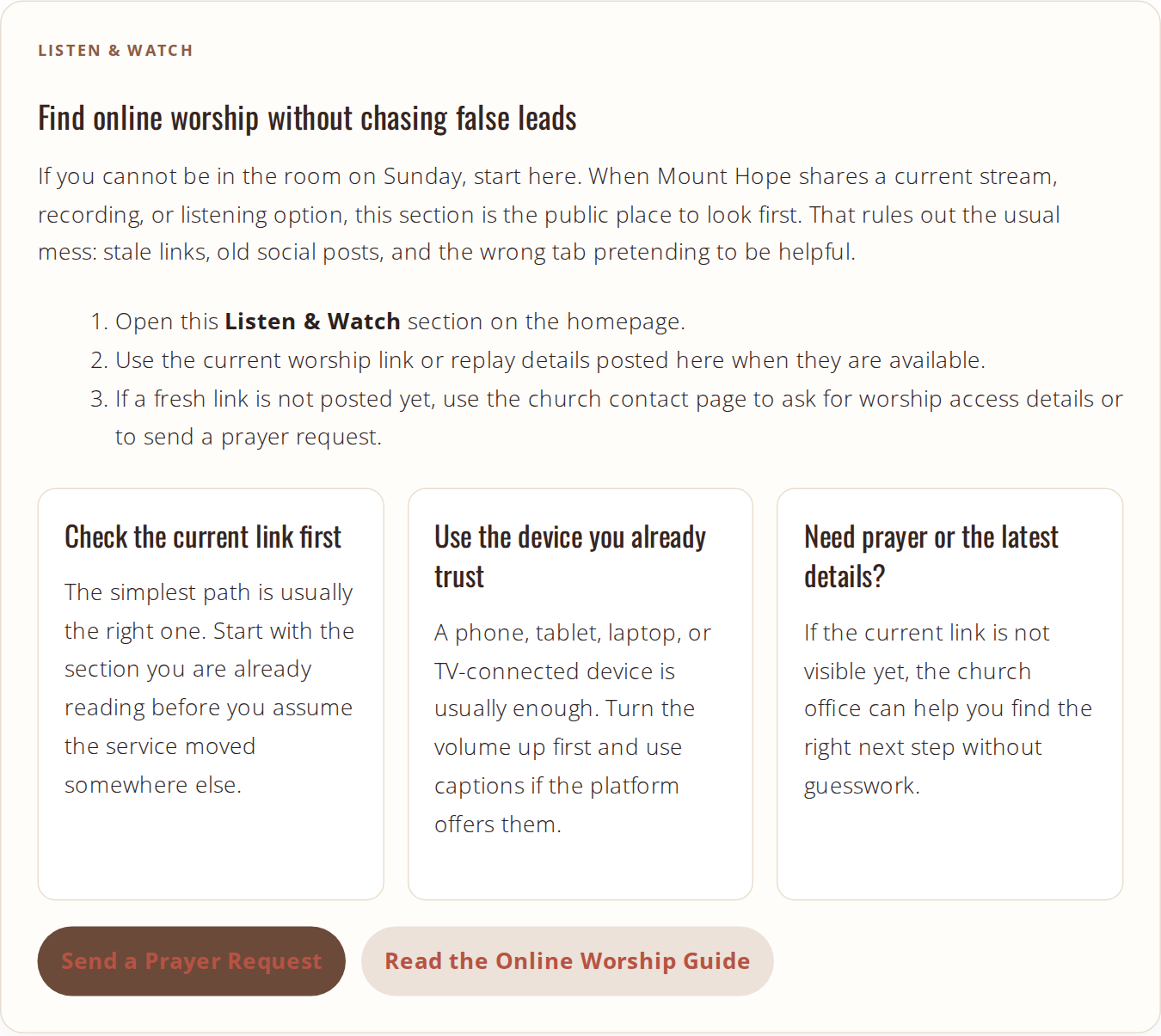
What “Listen & Watch” means on this site
This section is the church’s plain-language signal that worship is not limited to the room. If you are home because of illness, travel, weather, caregiving, or one of those weeks when life refuses to act civilized, this is the place to check first.
The point is not technical theater. The point is access. If a current service link is posted, use it. If it is not posted yet, use the contact page and ask for the latest details instead of chasing stale links.
How to find the current service link
- Open the Mount Hope homepage.
- Scroll to the Listen & Watch section.
- Look for the current stream, recording, or listening details there first.
- If nothing current is posted, use Contact Us to request the latest access information.
That workflow is deliberately boring. Boring is good. Boring means fewer false leads.
What you need before worship starts
You do not need an elaborate setup. You need a device that already behaves itself and enough audio to hear what is happening.
| What to check | Why it matters |
|---|---|
| Phone, tablet, laptop, or TV-connected device | If it already plays video reliably, it is probably good enough for worship too. |
| Volume turned up before the service starts | This rules out the most embarrassing non-problem before it wastes ten minutes. |
| Captions, if available | YouTube caption settings can help when a video includes captions, and the FCC’s internet video captioning guide explains why that access matters. |
| Screen you can see comfortably | If you prefer a larger display, YouTube supports a range of TV-connected devices. |
Check the boring thing first: device, sound, and whether captions are available. Most friction starts there.
How to participate from home
Online worship is still worship. You can pray, sing, listen, and respond from your own living room without pretending the room has turned into a stage set.
Pray where you are
Keep a Bible, notebook, or bulletin nearby if that helps you stay present. If you want a simple prayer starting point, the United Methodist Church’s prayer resource page is a practical place to begin.
Follow the service in real time
Stand, sit, sing, or stay quiet as needed. Nobody at home gets graded for choreography.
Reach out when you need a person
If you need help, pastoral care, or the latest worship details, use the church contact path instead of guessing.
Where to submit prayer requests
If you want someone at Mount Hope to pray with you or for you, the clearest route is the Contact Us page. Use it for prayer requests, worship questions, or a simple note asking for the current online service details.
- Online: Contact the church office
- Email: [email protected]
- Phone: (517) 482-1549
If you are unsure what to write, keep it simple: say you would like prayer, mention the need, and include the best way to reach you back.
The first diagnostic step
Before changing anything else, check the Listen & Watch section on the homepage. That is the fastest way to rule out the actual problem, which is usually not mystery technology. It is just starting in the wrong place.